
OnePager Bundle v8.0.12, currently in Alpha release, supports a direct connect to OnePlan. Contact [email protected] for access.
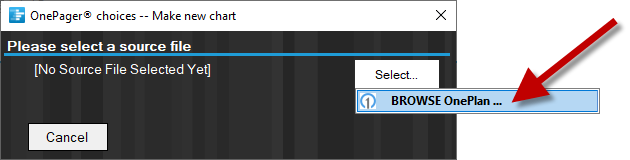
OnePager Bundle connects directly to OnePlan, giving you the ability to seamlessly build data-driven timelines and Gantt charts without needing to export to Microsoft Project or Excel.
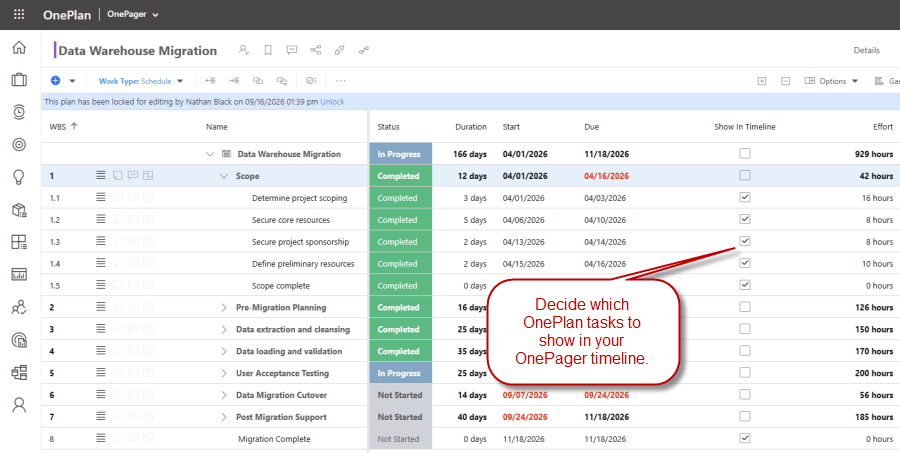
If you only want to show specific tasks and milestones in your OnePager chart, use a checkbox field in OnePlan to decide which items should be included:
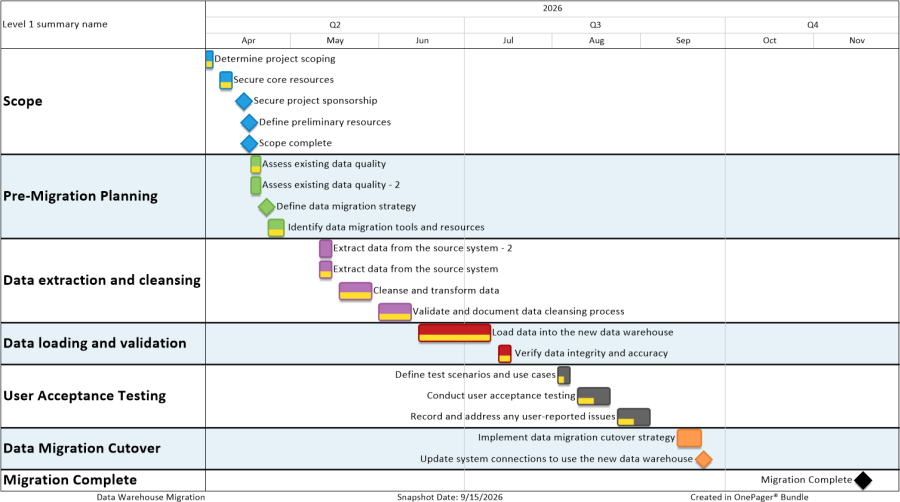
OnePager will import your flagged tasks from OnePlan and create a timeline or Gantt chart that looks like this:
As your project data in OnePlan change over time, you can quickly refresh your OnePager chart to stay in sync.